#7: Creating an Image Mosaic in Python
Project Overview
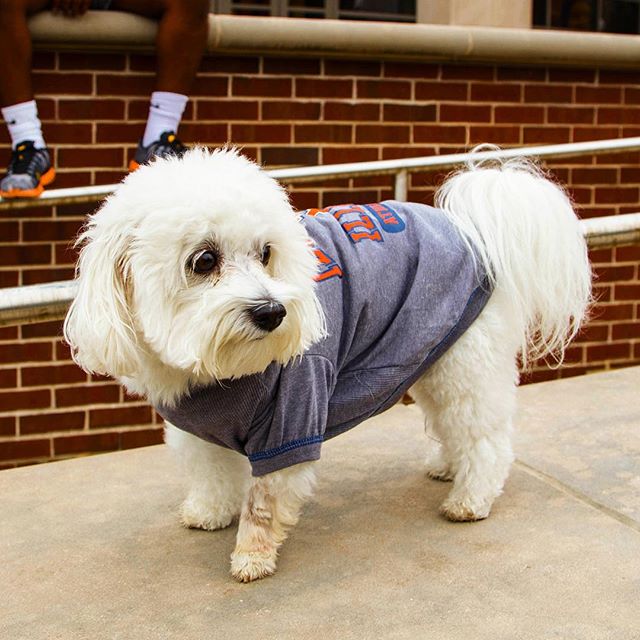
A Data Science DISCOVERY alumni had their puppy, Rosie, featured on the official University of Illinois instagram and we thought "what if we could make an image of Rosie made entirely out of only images posted of UIUC's instagram?"
By dividing the image up into a square grid, and replacing each grid with an image from the UIUC's instagram, we created an image mosaic of Rosie:
 →
→ 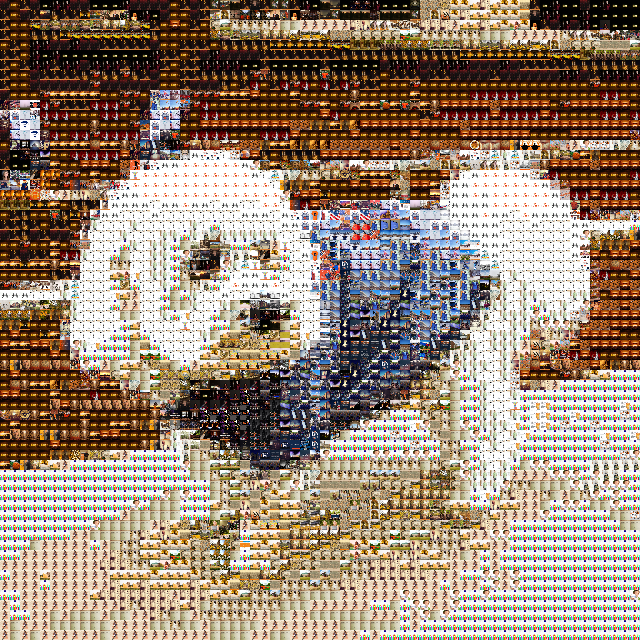
To fully see the mosaic is made up of only other images, the following set of images are increasingly zoomed into the mosaic to show increasing levels of detail:
| 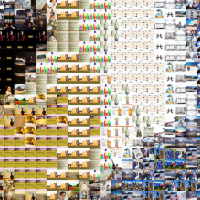 | 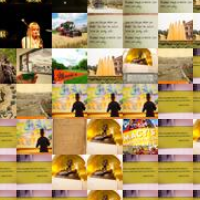 | 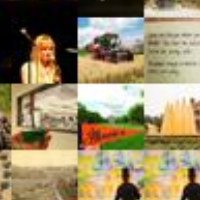 |
| The "Rosie Mosaic", made entirely of images from @illinois1867 | 5x Zoom (the top-left of the zoomed region is Rosie's nose) | 25x Zoom | 50x Zoom |
In this project, you will create your own personal mosaic using the images of your choice! You will work with processing image files into DataFrames and then using your skills with DataFrames to create your mosaic.
Getting Started
This project is completed in your browser using Python!